Drop a file. Get a link.
HTML in Slack
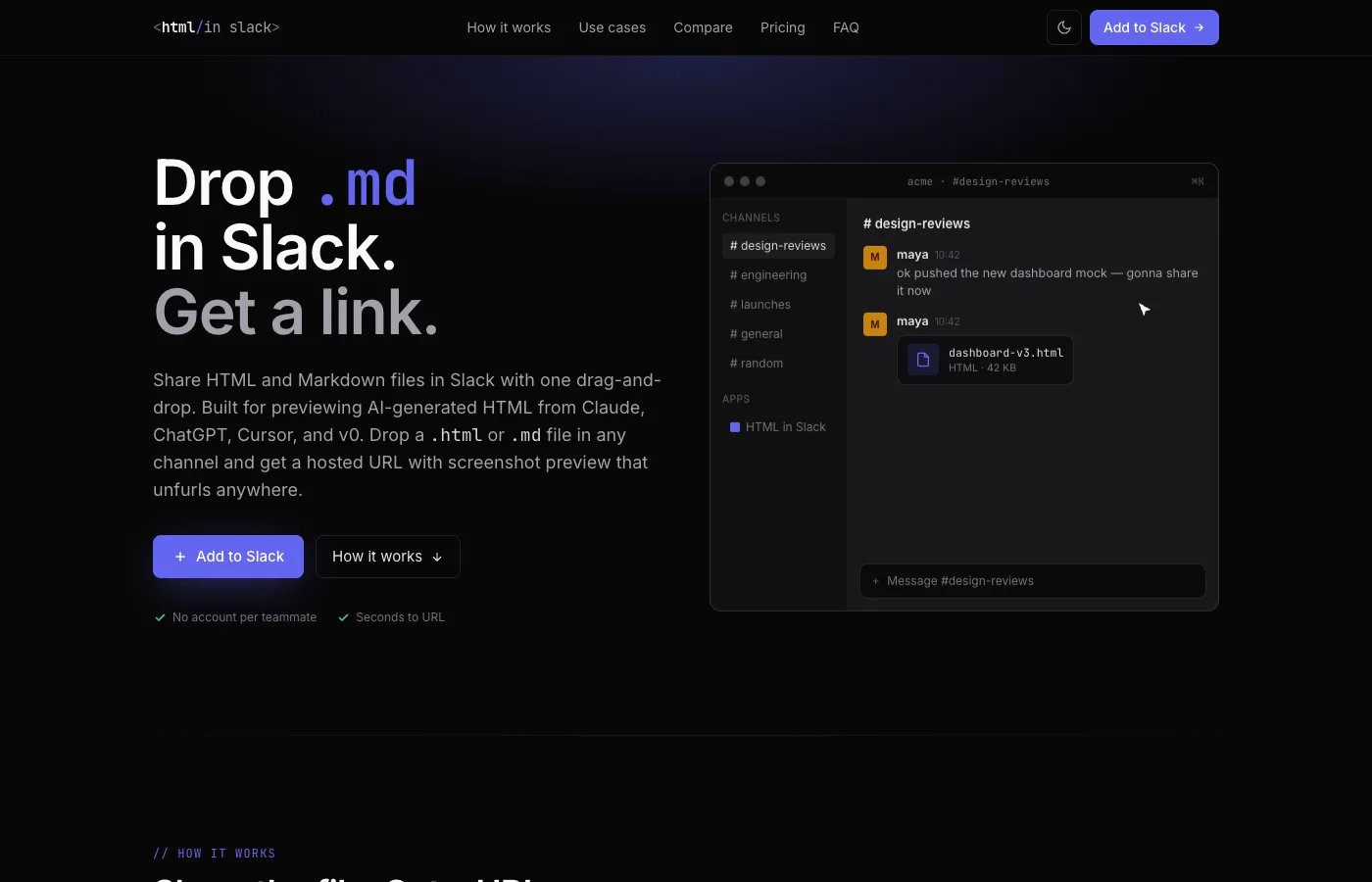
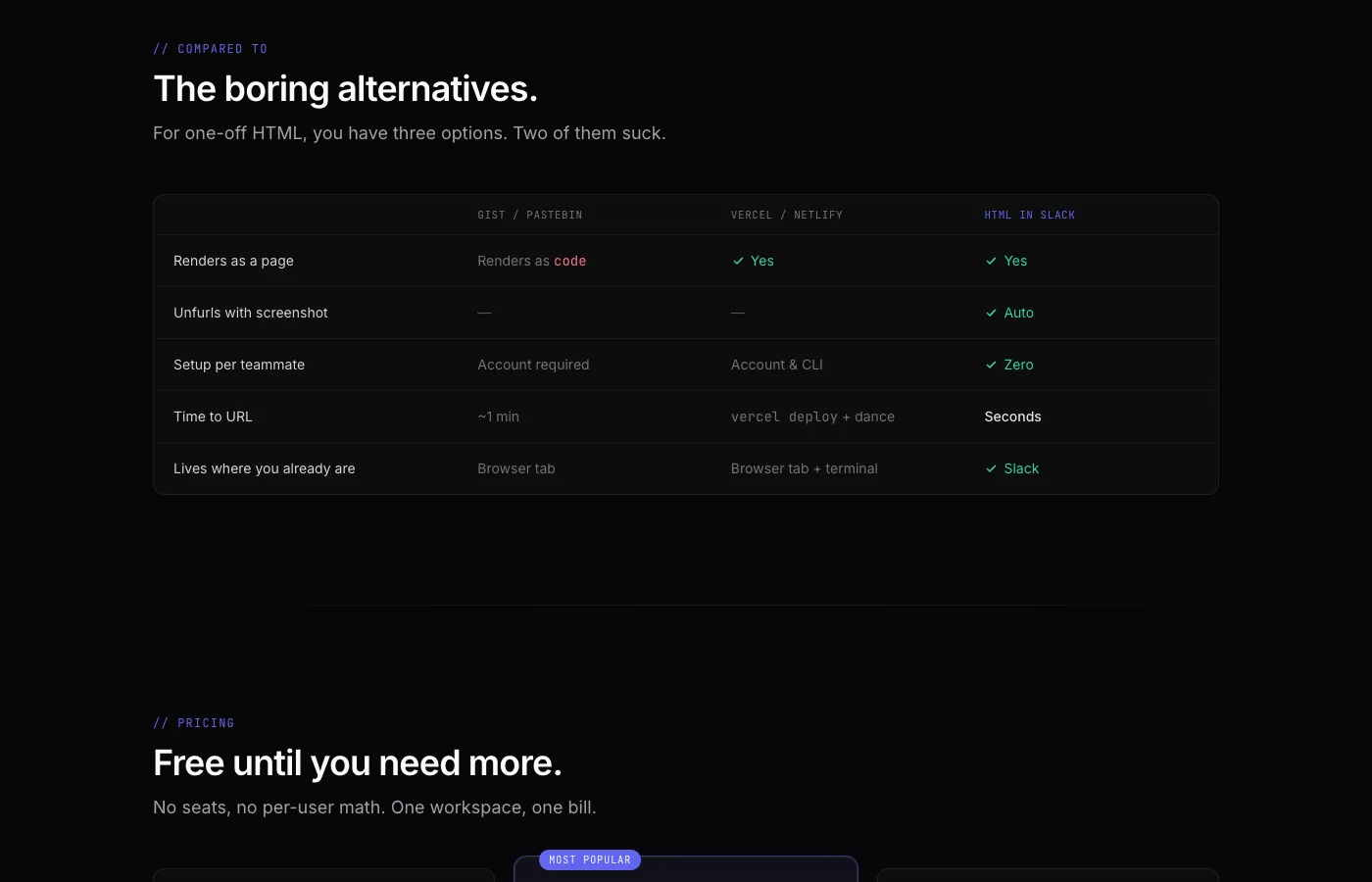
HTML in Slack is a Slack app that turns HTML and Markdown files into web pages anyone on the team can open. AI tools like Claude, ChatGPT, and Cursor produce these files constantly, but viewing one normally means saving it, opening it in a browser, and screenshotting it for whoever asked. This removes those steps.
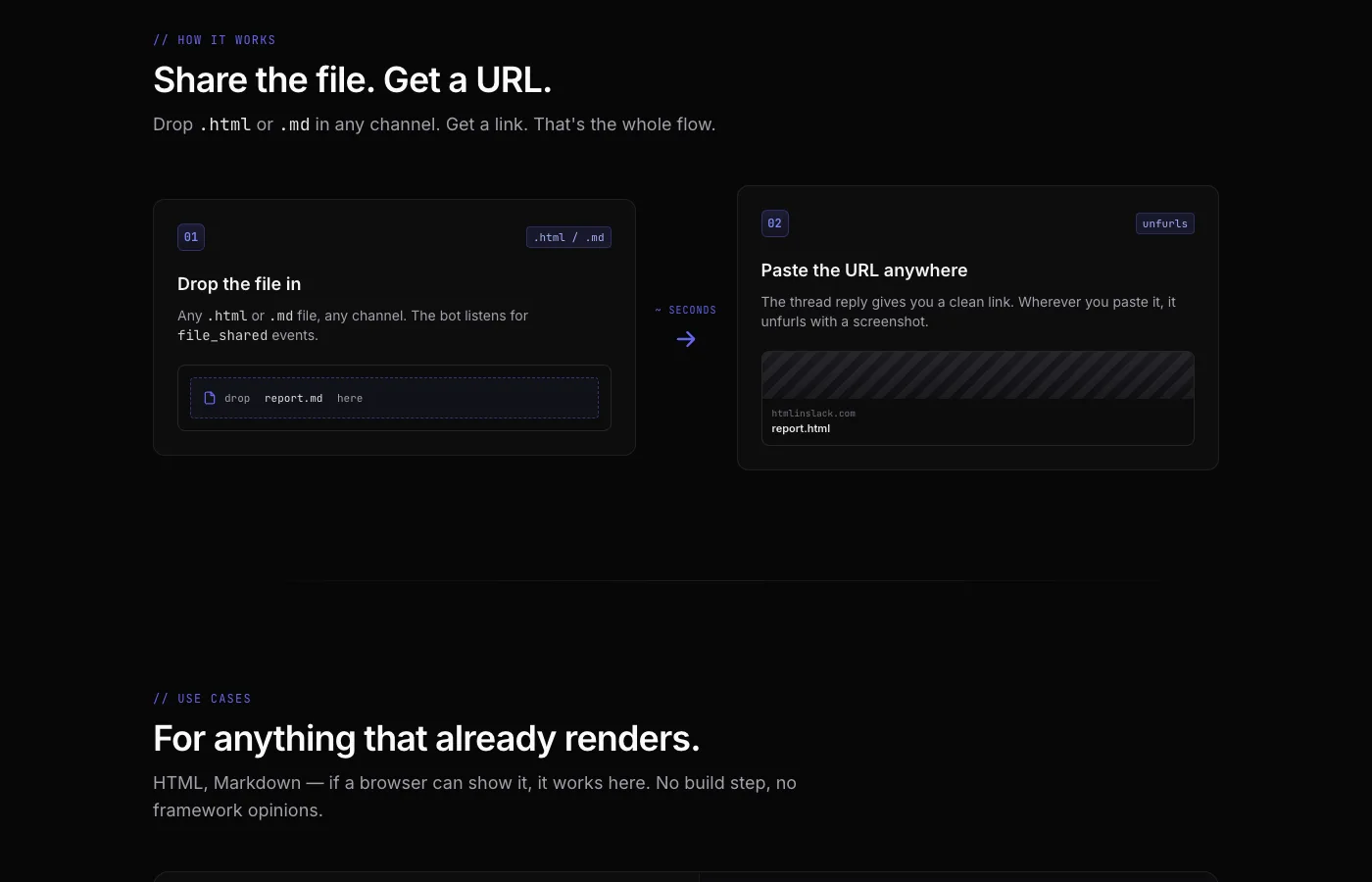
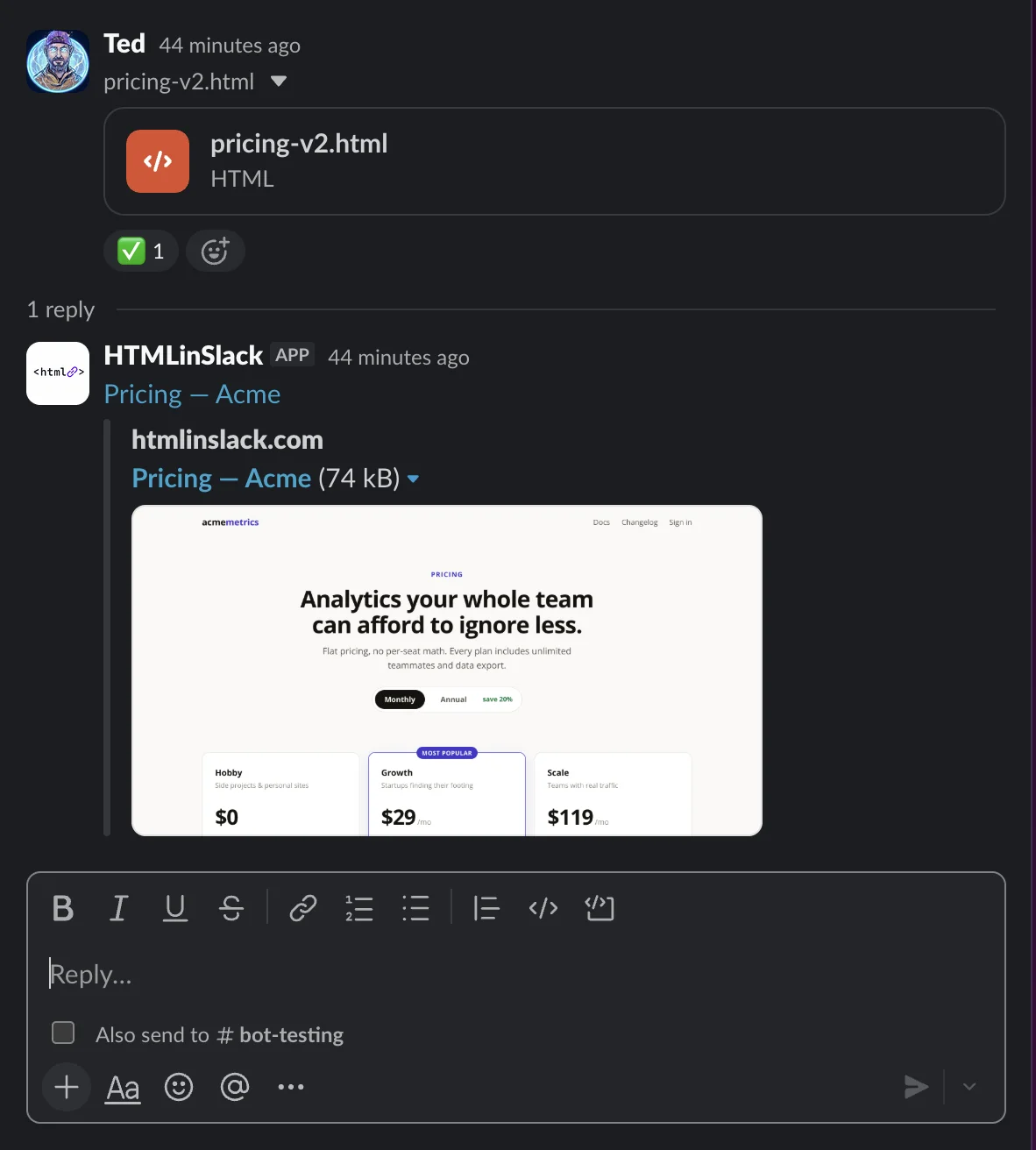
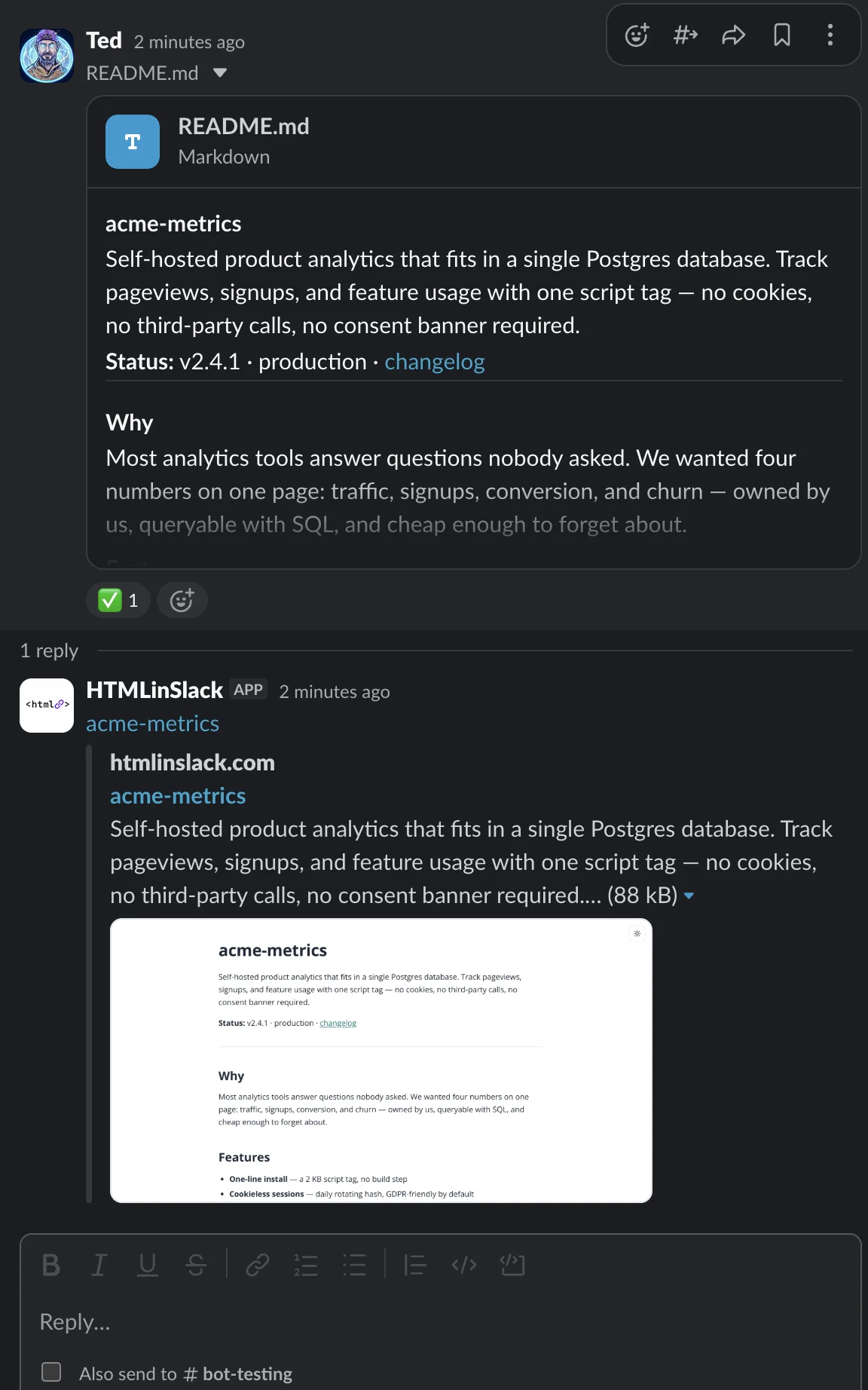
Here’s how it works: drop an .html or .md file into any Slack channel, and the app replies in the thread with a hosted link. The link opens as a real page in the browser, and it shows a screenshot preview wherever it gets pasted — in Slack, in a doc, in an email. Nobody else on the team needs an account for it to work.
Files are encrypted in transit and at rest, and every link uses an unguessable address that isn’t indexed by search engines — the same sharing model as a Google Doc link. There’s a free plan with one-day hosting, and paid plans extend that to 90 days or indefinitely.