Find the Tone
Walmart Blackweb
I was excited when I landed this project because I had a chance to try my hand at building a native android app, which I hadn’t built before, so I needed to learn quickly. This app was for an installation promoting Walmart’s BlackWeb speakers.
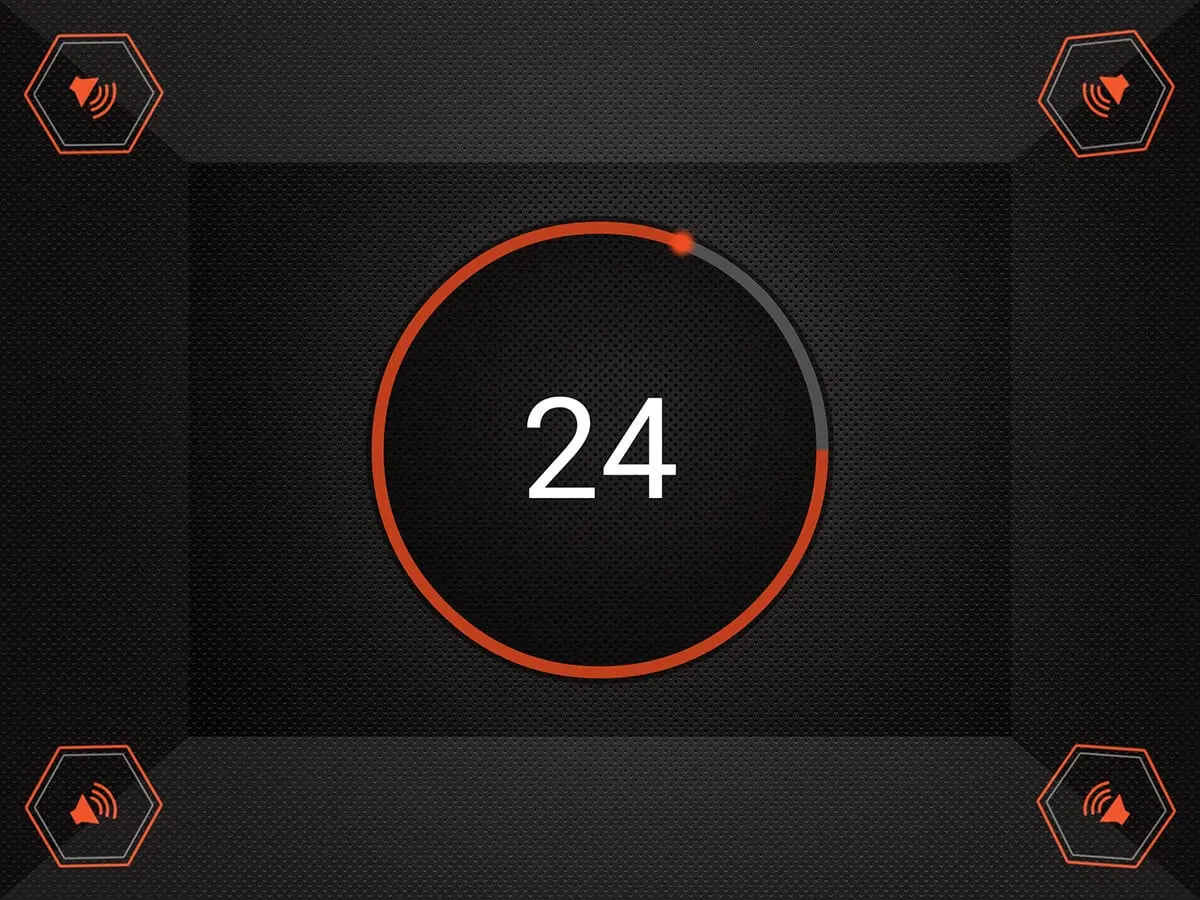
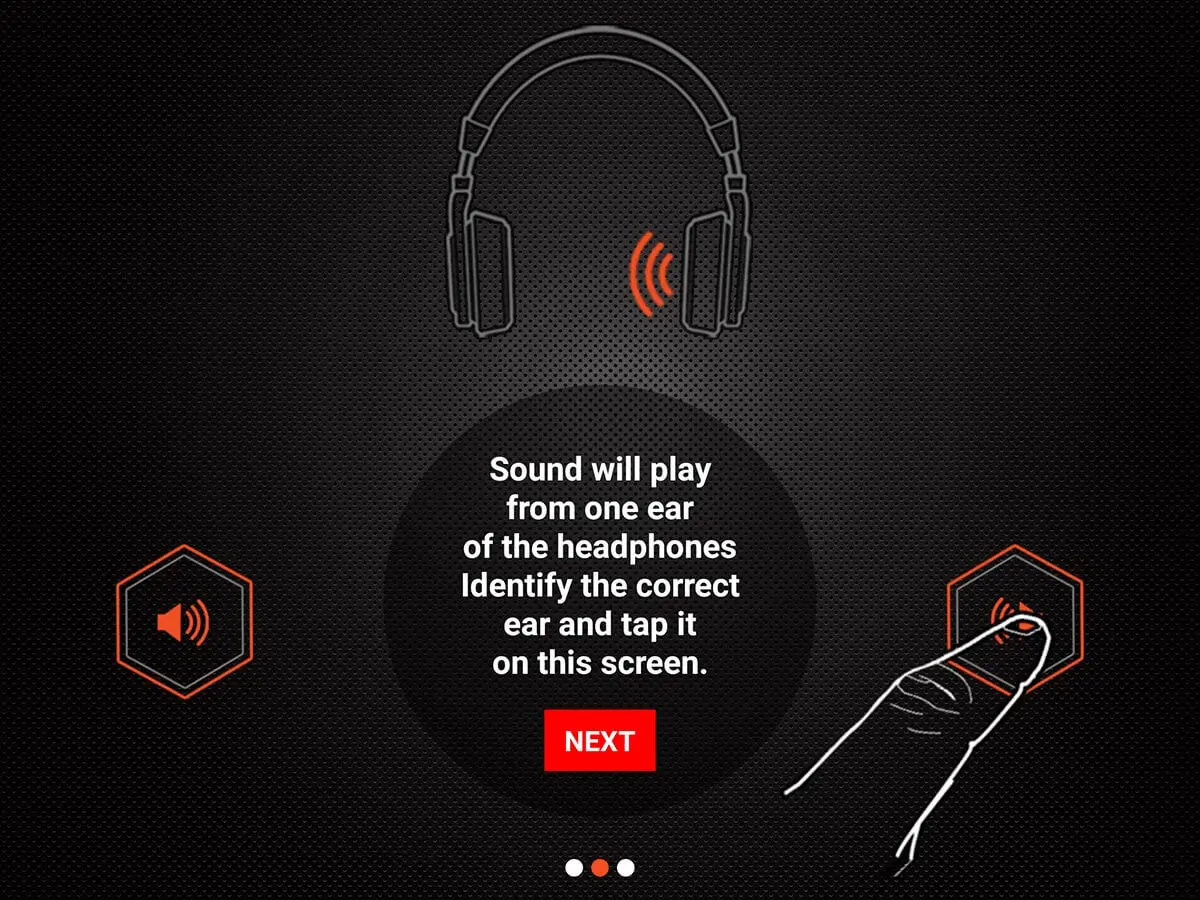
A person would get into a booth and click an icon corresponding to which speaker the sounds came from. There were two rounds in the app. In the first round, speakers played tones in the 4 corners of the booth. In the second round, music played through Bluetooth headphones. Initially, I had 4 single-channel Bluetooth speakers where the app would randomize which speaker became connected. The first issue was that once a speaker connected through Bluetooth, a connecting sound would play from that speaker, and there would be a noticeable delay before playing the tone. After wasting days trying to figure out how to turn off the connection sound, I realized I needed another idea. I switched to 2 dual-channel speakers, connecting one through the headphone jack and the other through Bluetooth. Since each speaker had left and right channels, I could mimic the sound coming out of all four corners of the room, and success! (or so I thought…)
While everything worked well the first and sometimes even the second time through the flow. After that, the speakers would connect to the wrong speaker and was challenging to reproduce. After over 50 hours of searching Google and a 250-point bounty on Stackoverflow, I finally figured it out. The issue was due to the newer version of the Android MediaPlayer library. Once I switched back to the previous version, everything worked seamlessly. It was a feeling of accomplishment that I will never forget. (Check out this StackOverflow question for a full explanation.)